



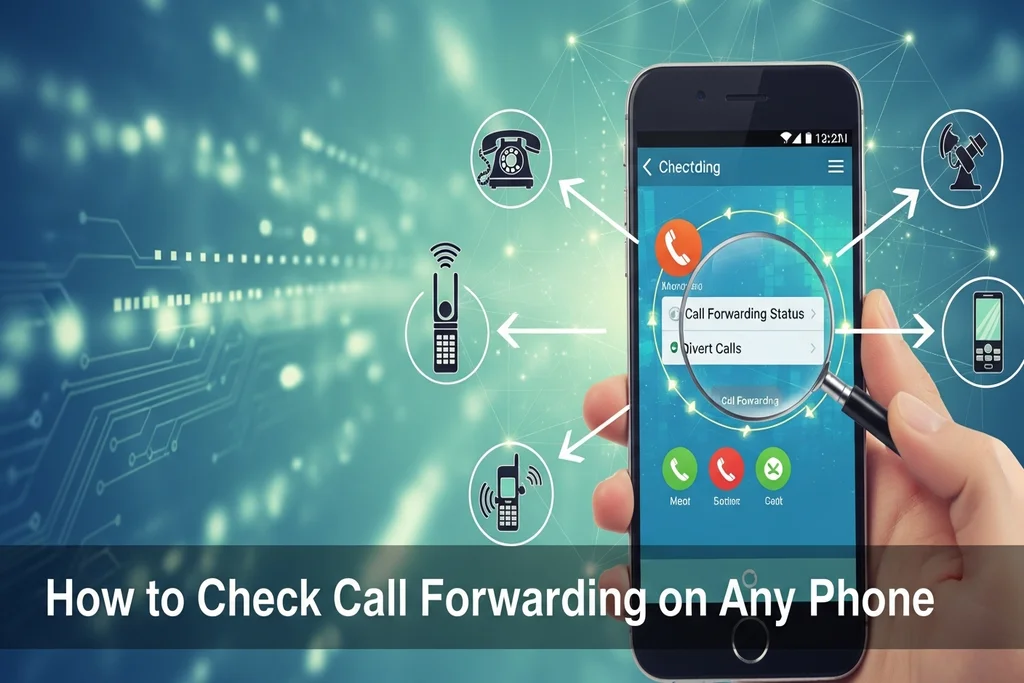
Call forwarding is an important option to use whereby your incoming calls can be forwarded to a different phone. But there are times when users are not aware of this option being on their phone. Call forwarding can be checked easily and can be checked in various forms, which may be either with Android or with iPhone and even with older feature phone. Learning to verify call forwarding will make you know how your calls are handled, and you will not miss crucial calls.
1. Check Call Forwarding Using MMI Codes
MMI codes are the easiest and quickest method to check whether call forwarding is on your number active or not. With most networks, you just have to dial in the code of the phone, which is: *#21#. In a few seconds, a message will appear on your phone that will either confirm or deny you that your calls, messages, or data is being forwarded and to what number. The other code that comes in handy is *67# which displays the number that calls are diverted to when your line is occupied. These codes are applicable on the majority of telecommunicating operators in the world and would give an immediate update on the current position of call forwarding.
2. Check Call Forwarding Through Phone Settings
For Android Devices:
Go to Settings → Mobile Network → Call Settings → Advanced → Call Forwarding. Here, you can see if any call forwarding is active, including when the line is busy, unreachable, or unanswered.
For iPhone Devices:
Open Settings → Phone → Call Forwarding. This section will display whether your calls are being forwarded and the number receiving your forwarded calls.
3. Check Call Forwarding Using SMS Apps
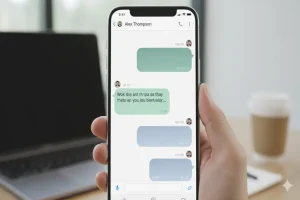
Some phones allow you to check call forwarding through your messaging app by viewing the SMSC (Short Message Service Center) number. While primarily for message routing, this can also indicate network settings affecting call forwarding.
4 Check Call Forwarding by Manual Testing
In case you desire an easy way of verifying, call another phone and ask them to dial your number. When the call is redirected to a different number or voicemail, then it is an indication that call forwarding is on. Although not as technical, this approach is available on any device and does not need navigation using codes and settings.
To make sure that your calls are being forwarded in the right way, it is important to check your call forwarding every now and then, and to avoid the problem of missing calls as a result of an honest mistake. Regardless of the codes, phone settings or the simple manual testing, turn on the forwarding codes to check the call forwarding, and have control over your incoming call.
READ: More Informative Content