



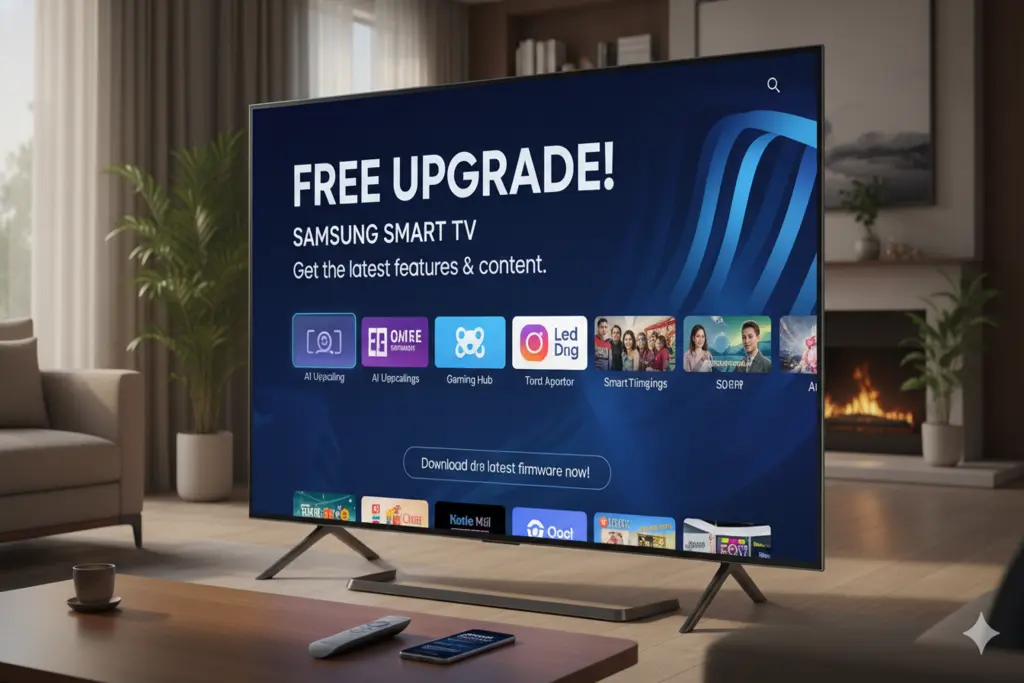
Samsung is formally implementing one of the most awaited, free software updates to its Smart TVs, which is making native Google Cast functionality available on its platform. The Samsung TV users have been using the alternative screen-mirroring features in the past years but this new update has literally enhanced the way you are streaming your content on the big screen using the mobile devices under your possession.
In case you are to unlock this new feature, this is all you are going to know about what the upgrade has to offer, which models can be upgraded, and how to do it precisely.
What Does This Free Upgrade Bring?
So far, Samsung televisions used the inbuilt capabilities such as Smart View or Apple AirPlay to cast. Although they are helpful, these applications are mainly based on the principle of screen mirroring, i.e. whatever is currently shown on the screen of your phone will be reflected on the TV. When you shut the application or have a text message, you are interrupted while watching the TV.
Native Google Cast, which was presented in this free upgrade, is completely different:
Link-Based Sharing: Google Cast does not reflect your screen, it transmits a direct link to the television of the media.
Independent Phone Use: The moment that your video begins to play on your Samsung TV, your phone is no longer occupied. You are able to pick up a phone, browse through social media or even switch off your phone screen without making a break in the TV movie or show.
Which Samsung TVs Are Eligible?
Samsung is now promoting this software update in stages. The free upgrade of Google Cast will be found on:
The Entire 2026 Television Collection: This feature will be provided in every new Samsung Smart TV released in 2026, either included in the box or through an instant update.
Choose 2023 and 2024 Models: The update will also be applied to several older premium models, such as the Samsung S95D that is a popular model.
Step-by-Step Guide: How to Get the Free Upgrade
The new Google Cast feature is free to get and it only needs that one has an active internet connection. These are the basic steps to upgrade the software of your TV to the new One UI interface:
Pick up your Samsung remote control and press the Home button.
Go to the Settings menu (typically displayed in the form of a gear).
Click to the bottom and choose Support.
Choose Software Update.
Click on Update Now.
In case any update has been found concerning your particular model, then the TV will automatically start downloading and installing the update. Make sure that you keep your television turned on in the process.
How to Check if the Upgrade is Already Installed
In case you have automatic updates on, then the new software may have already been installed on your TV in the background.
The next thing to check is whether or not your Samsung TV now supports native Google Cast, which can be done with the help of an app that supports streaming (Netflix or YouTube) on your smartphone. The standard Cast icon (a rectangle with waving Wi-Fi at the corner) should be found at the top of the app. Tap it, and in case your Samsung TV is visible in the list of the available devices, then the upgrade is on and it is ready to be used!
What is the free Google Cast upgrade for Samsung TVs?
It is a software update that adds native Google Cast support to Samsung Smart TVs. This feature allows you to stream media directly from your phone or tablet to the TV without interrupting your phone’s other functions.
Which Samsung TVs are getting the Google Cast update?
The free software update is rolling out to the entire 2026 Samsung TV lineup. Additionally, select premium models from 2023 and 2024, such as the Samsung S95D, are also eligible for the upgrade.
How is Google Cast different from Samsung Smart View or Apple AirPlay?
Smart View and AirPlay typically rely on screen mirroring, which means the TV shows exactly what is on your phone’s screen. Google Cast, however, sends a media link directly to the TV, allowing the video to play independently while you use your phone for other tasks like texting or browsing.
How do I install the free Google Cast update on my TV?
To install the update, grab your remote and navigate to Settings > Support > Software Update, and then select Update Now. This will download the latest One UI interface containing the Google Cast feature.
How can I check if my Samsung TV already has Google Cast?
Open a cast-supported app like Netflix or YouTube on your smartphone and tap the “Cast” icon. If your Samsung TV appears in the list of available devices, the update is already installed and active.