



Close Menu
    What's Hot
    NASA Announces Date for the Longest Solar Eclipse in 100 Years

    NASA Announces Date for the Longest Solar Eclipse in 100 Years

    December 12, 2025
    How to Scan a Wi-Fi QR Code

    How to Scan Wi-Fi QR Code

    December 12, 2025
    Huawei Mate X7 Specs, Features and Price in Pakistan

    Huawei Mate X7 Specs, Features and Price in Pakistan

    December 12, 2025

    Subscribe to Updates

    Get the latest creative news from FooBar about art, design and business.

    Facebook X (Twitter) Instagram
    • News
    • Entertainment
    • International
    • Sports
    • Trends
    • Gold Prices Today
    Facebook X (Twitter) Instagram
    Pakistan Truth
    • News
    • Entertainment
    • International
    • Sports
    • Trends
    • Gold Prices Today
    Pakistan Truth
    You are at:Home»News»How to Delete Binance Account
    News

    How to Delete Binance Account

    Farhan QureshiBy Farhan QureshiDecember 11, 2025Updated:December 12, 2025No Comments3 Mins Read
    Facebook Twitter Pinterest LinkedIn Tumblr Email
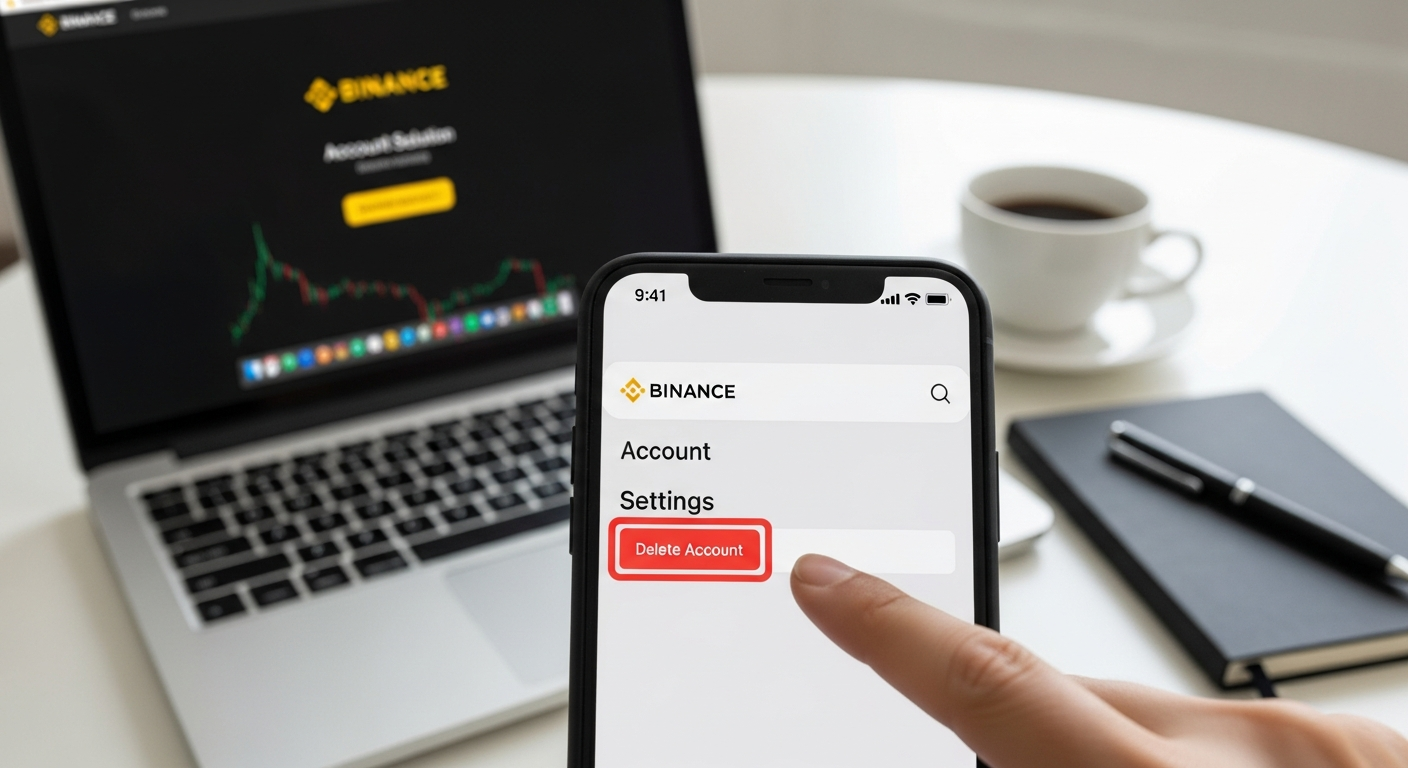
    How to Delete a Binance Account
    Share
    Facebook Twitter LinkedIn Pinterest Email

    Binance is a global cryptocurrency exchange that is among the biggest. Though it has high-level trading capabilities, it might happen that you desire to get rid of your Binance account forever. Your Binance account has been idled, you have switched to the new platform, or you simply want to delete all of your personal data, with this guide you can learn how to safely get rid of your account.

    How to Delete Binance Account Using the Mobile App

    Deleting a Binance account is only available through the Binance mobile application. Follow these steps:

    1. Login to Binance App
      • Open the Binance app and log in using your verified email or mobile number and password.
    2. Go to Security Settings
      • Tap your profile icon (avatar) and select the Security section.
    3. Access Account Management
      • Scroll down to Manage Account. Here, you will see two options: Disable Account and Delete Account.
    4. Choose a Reason for Deletion
      • Tap Delete Account and select the reason from the options:
        • No longer want to use this account
        • Merge multiple accounts
        • Others
      • Click Continue and then Agree & Continue on the Terms & Conditions page.
    5. Confirm Account Deletion
      • Check the box acknowledging that you understand all assets will be lost.
      • Tap Delete Account and complete security verification (email or SMS code).
      • Your Binance account will now be permanently deleted.

    How to Disable a Binance Account Temporarily

    If you don’t want permanent deletion but need a break from trading or suspect suspicious activity, disabling your account temporarily is safer:

    1. Login to Binance through the web or app.
    2. Go to Security Settings > Devices and Activities.
    3. Scroll to Account Activity and click Disable Account.
    4. Confirm your choice.
    5. Your account will be deactivated within 2 hours. You can reactivate it later by contacting Binance Support.
    Read Also:  How to Use Windows 10 at No Cost after October 14

    Note: Disabling your account preserves your funds and data, unlike permanent deletion.

    Deleting Binance Account from Desktop

    On the desktop website, Binance does not allow permanent deletion, but you can disable your account:

    • Go to Dashboard > Security > Devices and Activities.
    • Click Disable Account and confirm.
    • This disables your account, but it can be reactivated after 2 hours if needed.

    What Happens After Binance Account Deletion?

    • You lose access to all funds, trading history, and personal data.
    • Certain personal data may still be retained for legal compliance.
    • If deleted accidentally, Binance may help reactivate the account, but only with valid proof of ownership (ID verification, selfies, and security answers).
    • Any cryptocurrency left in the account may be unrecoverable due to blockchain protocols.

    Tips Before Deleting Binance Account

    1. Withdraw All Funds: Move all crypto to another wallet or exchange.
    2. Check Pending Orders: Cancel all open trades.
    3. Backup Data: Download transaction history if needed for tax purposes.
    4. Secure Verification: Keep access to your registered email and phone number for verification during deletion.

    Removing an account with Binance is an irreversible decision. To have momentary breaks, it is safer to disable the account. Always securely withdraw your assets and back-up all your personal data and proceed to do so before proceeding.


    Share. Facebook Twitter Pinterest LinkedIn Tumblr Email
    Previous ArticleHow to Unsubscribe Ufone Packages
    Next Article Pakistan Idol Controversy: M Ibrar Shahid Quits Show, Claims Unfair Treatment
    Farhan Qureshi
    • Website

    Farhan Qureshi is a political analyst who writes about science policies and national funding programs. His work focuses on the intersection of governance, innovation, and public policy, highlighting how scientific advancement shapes national development.

    Related Posts

    NASA Announces Date for the Longest Solar Eclipse in 100 Years

    NASA Announces Date for the Longest Solar Eclipse in 100 Years

    December 12, 2025
    Huawei Mate X7 Specs, Features and Price in Pakistan

    Huawei Mate X7 Specs, Features and Price in Pakistan

    December 12, 2025
    Pakistan Idol Controversy: M Ibrar Shahid Quits Show, Claims Unfair Treatment

    Pakistan Idol Controversy: M Ibrar Shahid Quits Show, Claims Unfair Treatment

    December 12, 2025
    Leave A Reply Cancel Reply

    Latest Posts
    NASA Announces Date for the Longest Solar Eclipse in 100 Years

    NASA Announces Date for the Longest Solar Eclipse in 100 Years

    December 12, 20251
    How to Scan a Wi-Fi QR Code

    How to Scan Wi-Fi QR Code

    December 12, 20252
    Huawei Mate X7 Specs, Features and Price in Pakistan

    Huawei Mate X7 Specs, Features and Price in Pakistan

    December 12, 20251
    Pakistan Idol Controversy: M Ibrar Shahid Quits Show, Claims Unfair Treatment

    Pakistan Idol Controversy: M Ibrar Shahid Quits Show, Claims Unfair Treatment

    December 12, 20252
    Don't Miss

    Top 10 Hi-Tea Restaurants In Lahore For A Perfect Outing

    By Usman LatifMarch 14, 2025

    Lahore is a well-known city known for its huge food culture, & hi-tea has become…

    Top 5 places to Visit in Kashmir

    Top 5 Places to Visit in Kashmir

    April 5, 2025
    India Planning Military Action Against Pakistan Within 36 Hours Tarar

    India Planning Military Action Against Pakistan Within 36 Hours: Tarar

    April 30, 2025
    Stay In Touch
    • Facebook
    • Twitter
    • Instagram

    Subscribe to Updates

    Get the latest creative news from SmartMag about art & design.

    NASA Announces Date for the Longest Solar Eclipse in 100 Years

    NASA Announces Date for the Longest Solar Eclipse in 100 Years

    December 12, 2025
    How to Scan a Wi-Fi QR Code

    How to Scan Wi-Fi QR Code

    December 12, 2025
    Huawei Mate X7 Specs, Features and Price in Pakistan

    Huawei Mate X7 Specs, Features and Price in Pakistan

    December 12, 2025
    Pakistan Idol Controversy: M Ibrar Shahid Quits Show, Claims Unfair Treatment

    Pakistan Idol Controversy: M Ibrar Shahid Quits Show, Claims Unfair Treatment

    December 12, 2025
    Popular

    Top 10 Hi-Tea Restaurants In Lahore For A Perfect Outing

    March 14, 2025
    Top 5 places to Visit in Kashmir

    Top 5 Places to Visit in Kashmir

    April 5, 2025
    India Planning Military Action Against Pakistan Within 36 Hours Tarar

    India Planning Military Action Against Pakistan Within 36 Hours: Tarar

    April 30, 2025
    India Suspends Indus Waters Treaty and Closes Attari Border After Pahalgam Attack

    India Suspends Indus Waters Treaty and Closes Attari Border After Pahalgam Attack

    April 23, 2025
    Latest News
    NASA Announces Date for the Longest Solar Eclipse in 100 Years

    NASA Announces Date for the Longest Solar Eclipse in 100 Years

    December 12, 2025
    How to Scan a Wi-Fi QR Code

    How to Scan Wi-Fi QR Code

    December 12, 2025
    Huawei Mate X7 Specs, Features and Price in Pakistan

    Huawei Mate X7 Specs, Features and Price in Pakistan

    December 12, 2025
    Pakistan Idol Controversy: M Ibrar Shahid Quits Show, Claims Unfair Treatment

    Pakistan Idol Controversy: M Ibrar Shahid Quits Show, Claims Unfair Treatment

    December 12, 2025
    About Us
    About Us

    Pakistan Truth is your go-to platform for authentic insights into current affairs, entertainment, sports, and more, with a strong focus on the Pakistan region.

    Unveiling the truth, shaping perspectives—Pakistan Truth.

    Email Us: [email protected]

    Facebook X (Twitter) Instagram
    © 2025 PakistanTruth. All Rights Reserved.
    • About Us
    • Contact Us
    • Terms & Conditions
    • Privacy Policy

    Type above and press Enter to search. Press Esc to cancel.