



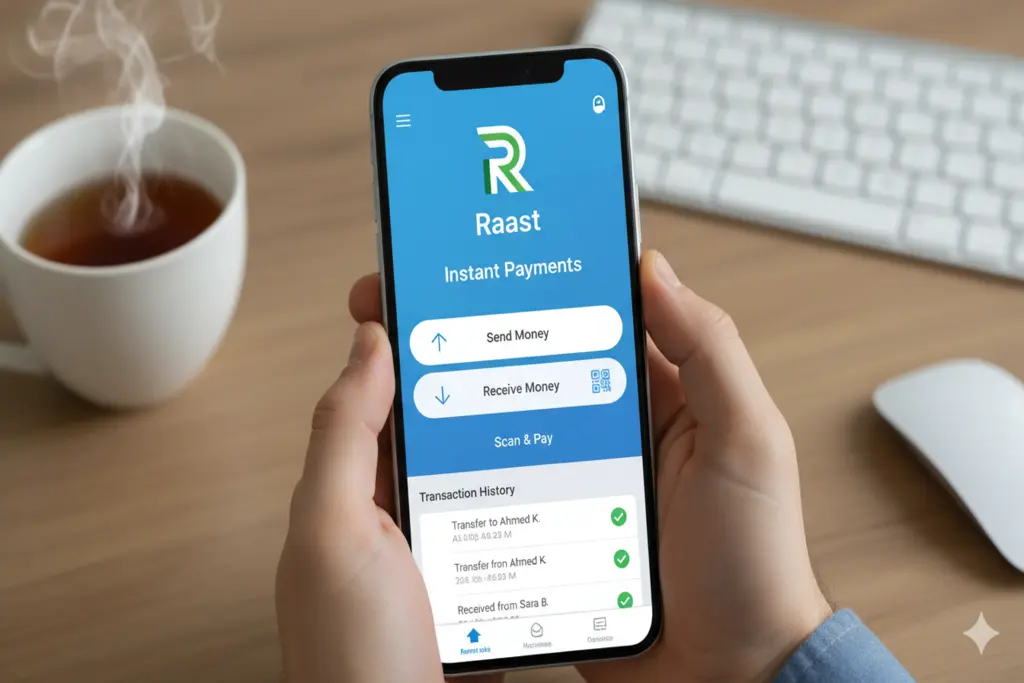
Raast, Pakistan’s leading instant payment service, has just reached a huge milestone of Rs50 trillion in total transaction value as of May 2026. Initiated by the State Bank of Pakistan (SBP), Raast has revolutionized the financial landscape of Pakistan, offering instant and hassle-free payment options to everyone without any extra charges. Yet with the growing amount of digital transactions, so do the increasing sophistication of cyber threats. Ensuring the safekeeping of the money is of utmost importance and is achieved by going beyond the conventional security measures and taking advantage of the sophisticated capabilities provided by the newest banking application.
The Phenomenal Rise of Raast (P2P and P2M)
Raast’s secret is that it’s simple. The system provided a way to connect bank accounts with users’ mobile numbers referred to as Raast ID, thus removing the need for complex IBANs. The latest statistics for May 2026 show that the system is now processing millions of Person-to-Person (P2P) and Person-to-Merchant (P2M) transactions every day. This move towards “cashless” society is a huge leap towards financial inclusion, but it comes with a reminder for users to be even more careful about the security of their mobile banking.
3 Essential Security Features to Enable Today
Follow these three important rule-of-thumb security settings to keep you safe in the digital economy:
Biometric Authentication (Face & Fingerprint)
Static passwords and PINs can be easily compromised by the “shoulder surfing” or “phishing” method.
Why Enable It: Biometric information is personal and is very difficult to duplicate. With Face ID or Fingerprint login, even if your phone is stolen, even if someone knows your password, cannot open your bank account.
Steps to Take: Activate Biometric Login in your app’s “Security Settings”.
Multi-Factor Authentication (MFA/OTP)
Don’t use the same password for everything. With Multi-Factor Authentication, a second layer of protection is added.
Why Enable It: MFA means that you will receive a One-Time Password (OTP) via SMS on your mobile number or email when you try to transfer money or make any changes to your account. It is a “digital deadbolt.
Pro Tip: SMS verification is not the only way to do it, since “SIM swapping” is a common method employed by hackers.
Real-Time Transaction Alerts & Daily Limits
Knowing when the transaction is taking place means you’ll be able to quickly spot any unauthorized activity.
Why Enable it: Push notifications and SMS alerts create immediate audit trail. In addition, a reasonable Daily Transaction Limit means that even if a fraudster does get all the way to running out of money the account won’t be depleted in a single day.
How to Do It: All apps can be “Managed Limits” under the account settings tab.