



The Board of Intermediate and Secondary Education (BISE) Lahore has officially released roll number slips for the Class 12th Second Annual Examinations 2025. All students appearing in the exams must download their slips before the exams begin on October 29, 2025.
Here is a simple step-by-step guide to help you download your Lahore Board roll number slip easily:
Step 1: Visit the Official Website
Go to the official BISE Lahore website:
https://www.biselahore.com
This is the only official source to download your roll number slip. Avoid using unofficial links or third-party websites.
Step 2: Click on Online Roll Number Slips
On the homepage, look for the “Online Roll Number Slips” section.
You will find separate options for Regular and Private Candidates.
- Regular Students should select their institution or school.
- Private Students should proceed using their personal details.
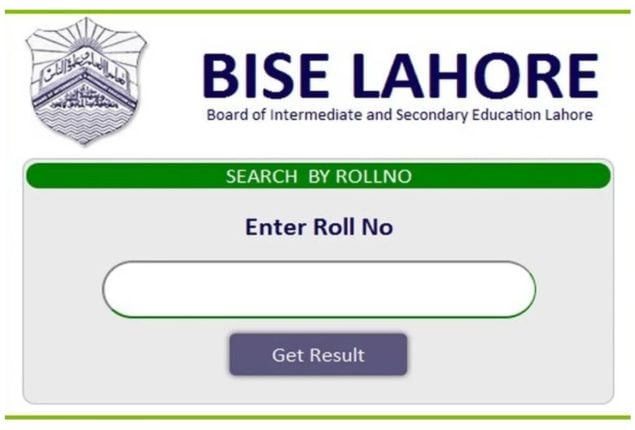
Step 3: Enter Your Details
You will be asked to provide your Form Number, Current Exam Roll Number, or Previous Exam Roll Number.
Alternatively, you can also search by Name and Father’s Name if you don’t remember your form number.
Step 4: Download and Print
After entering the required details, your roll number slip will appear on the screen.
Click “Download” or “Print” to get a hard copy.
Make sure the following details are correct:
- Your name and father’s name
- Exam center address
- Subjects and timings
- Photograph
If there’s any mistake, contact the Lahore Board office immediately.
Step 5: In Case of Issues
If you face any problem while downloading, you can:
- Visit your school or college for assistance (Regular students)
- Visit the BISE Lahore office or your designated examination center (Private students)
Important Reminder
Without the roll number slip, you will not be allowed to sit in the examination hall. Keep multiple photocopies as a backup and bring your original CNIC or B-Form along with the slip.
Check: Latest Educational News