



Air pods are a trending pair of wireless earphones that would easily be able to connect to the iPhones, iPads, and other Apple products. However, losses of connections, sound imbalance, and non-pairing are some of the instances when AirPods may experience issues. Most problems can be resolved by resetting your AirPods in such a case.
Why You Should Reset AirPods
You may need to reset your AirPods if:
- AirPods are not connecting to your device
- One AirPod is not working
- Sound quality is poor or distorted
- AirPods keep disconnecting
- You are selling or giving them to someone else
How to Reset AirPods (All Models)
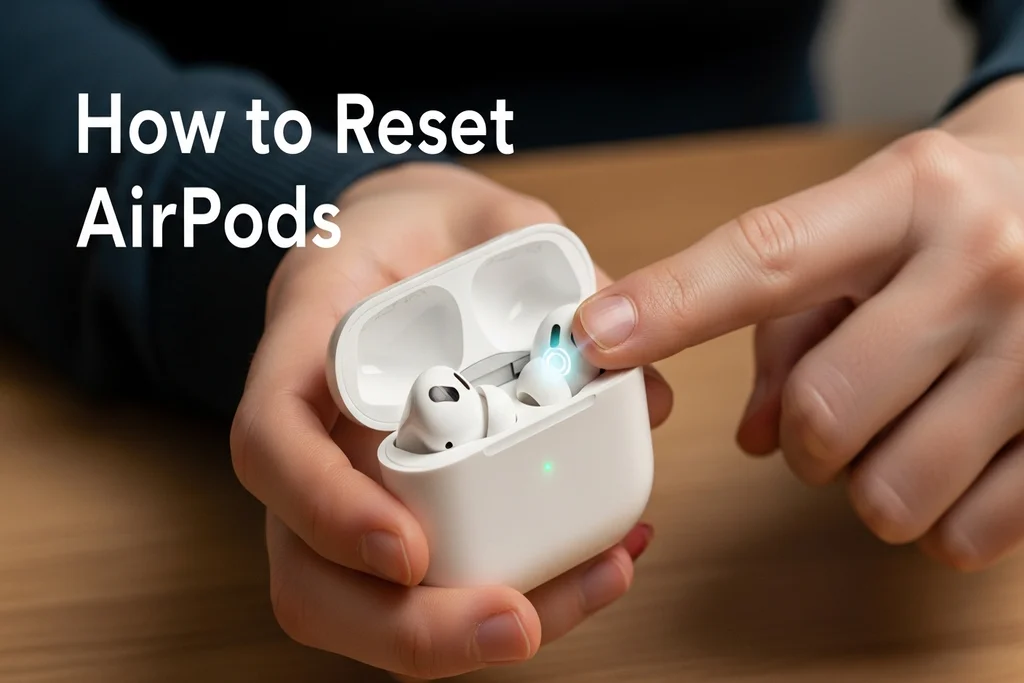
Follow these steps to reset AirPods, AirPods Pro, and AirPods (2nd & 3rd generation):
Put AirPods in the Charging Case
Place both AirPods inside the case and close the lid.
Forget AirPods from Your Device
- Open Settings on your iPhone
- Go to Bluetooth
- Tap the (i) icon next to your AirPods
- Select Forget This Device and confirm
Open the Case Lid
Open the AirPods case while keeping the AirPods inside.
Press and Hold the Setup Button
- Locate the setup button on the back of the case
- Press and hold it for 15 seconds
- Release when the light flashes amber, then white
Reconnect Your AirPods
- Keep the case open and bring it close to your iPhone
- Follow the on-screen pairing instructions
Your AirPods are now successfully reset.
How to Reset AirPods Max
AirPods Max have a different reset method:
- Press and hold the Noise Control button and Digital Crown together
- Hold for 15 seconds
- Release when the LED flashes amber, then white
How to deal with the problem when a reset fails
Here are additional troubleshooting steps in case your AirPods are not functioning correctly:
- At least, charge them 30 minutes.
- Upgrade your iPhone to the new iOS.
- Attempt to use AirPods with an additional Apple device.
- Wipe the AirPods and the case.
In case of difficulties, call Apple Support.
The easiest and quickest solution to the connection and sound issues with AirPods is to reset AirPods. Following the steps above, you will have the opportunity to mend your AirPods and continue to deliver performance without any interruptions.