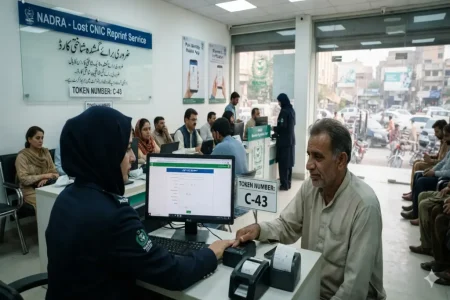




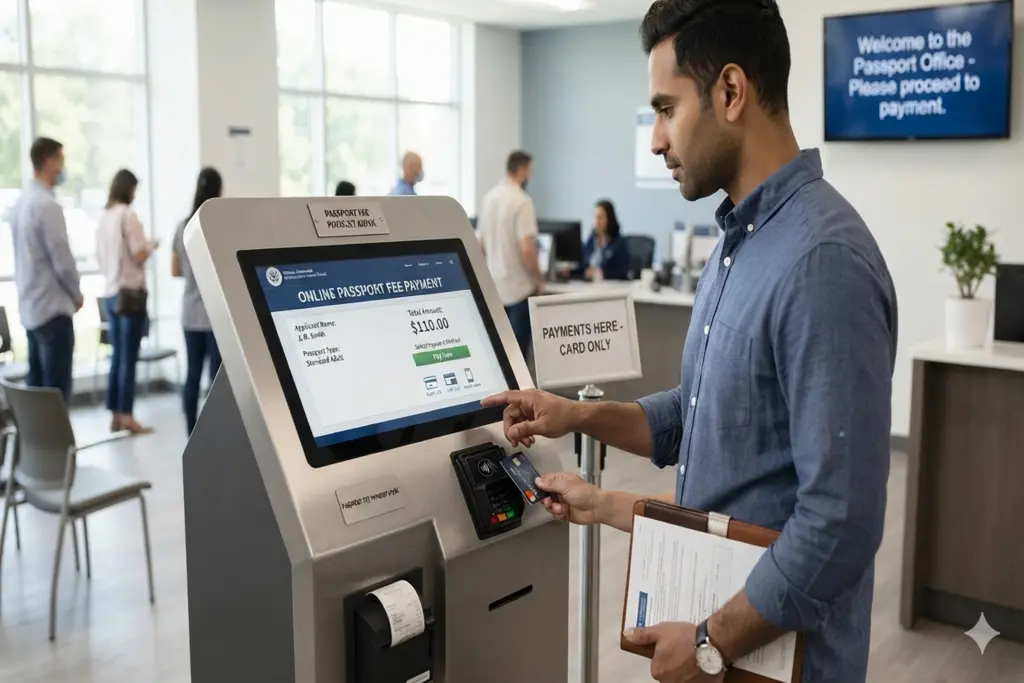
Passport Fees Online Payment is a fantastic initiative by the Ministry of Interior in collaboration with the Directorate General of Immigration and Passports (DGIP) for Pakistani citizens. The era of standing in long and tiring queues for hours at the National Bank of Pakistan (NBP) for the processing fee of passports is now over. All the fee collection systems are now fully digitized, secure and accessible from the comfort of your home with the introduction of the official Government of Pakistan mobile application “Passport Fee Asaan”.
Follow this comprehensive step-by-step guide to get your passport, whether you are applying for a new one or renewing your existing passport, from your mobile phone.
Download and Install the Passport Fee Asaan App
The very first step to initiating your online transaction is to download the verified mobile application developed by the government. The application is completely free and accessible across both major smartphone operating systems.
- Android Users: Open the Google Play Store and install the Passport Fee Asaan Android App.
- iOS Users: Open the Apple App Store and install the Passport Fee Asaan iOS App.
Once downloaded, launch the application to access the user interface. No complex prior account registration is required to start your fee estimation.
How to Generate Your 17-Digit PSID Code
You must get a unique 17-digit payment slip identification (PSID) Code from the application to make a Passport Fee Online Payment. To create your code, follow these steps:
To access E-Payment Services: Go to the home screen and click on the “Passport E-Payment” button.
If you are applying for a new passport, click the “New Passport” option; if you need a new one for some reason, click the “Passport Renewal” option; or if you need a passport with changes, click the “Modified Passport” option.
Set your processing tier – Normal, Urgent or Fast Track. Then you will choose your booklet thickness (36 or 72 pages) and the length of time your booklet will be valid (5 years or 10 years).
Fill in the details of Personal Information: Your Legal Name, Valid Computerised National Identity Card (CNIC) or B-Form, Active Mobile Number and a safe Email Address.
Select Your Regional Office: Select the Regional Passport Office (RPO) or Executive Passport Office (EPO) you will be physically visiting.
Completing the Payment via Mobile Banks & Wallets
With the activation of your unique PSID, you can pay through any electronic banking app in Pakistan (HBL, Meezan Bank, Bank Alfalah etc.) as well as through the following mobile wallets: Easypaisa, JazzCash etc.
Mobile Wallets (Easypaisa / JazzCash): Payment through mobile wallets.
Login into your own personal Easypaisa/JazzCash application.
In the Bill Payment section, search for the “1Bill” or “1Bill Invoices” payment option.
Determine which billing type you want (usually it is “invoice”) and type your copied 17-digit PSID code. (Note: On certain commercial bank applications, you may need to add the prefix code 999999 directly before your 17-digit PSID).
The app will automatically fetch the data and display your exact passport fee amount. Verify the details and tap “Pay Now”.
After a successful transaction, you will receive an immediate confirmation SMS from your bank. You can also re-enter the Passport Fee Asaan app and tap “Check Status” to ensure your payment shows as “Paid”. Print out this digital payment receipt and carry it alongside your original CNIC to your mapped passport office to complete your physical biometric routing.