



Close Menu
    What's Hot
    Sindh College Holiday

    Sindh Government Announces General Holiday for All Public and Private Colleges

    August 1, 2026
    Saudi Maritime Defense Coalition

    Pakistan and Saudi Arabia Take Strategic Step: Joins Newly Formed Maritime Alliance as Founding Member

    August 1, 2026
    Canada Visa Processing Time

    Canada Increases Study and Work Permit Wait Time for Pakistanis: Full Details

    August 1, 2026

    Subscribe to Updates

    Get the latest creative news from FooBar about art, design and business.

    Facebook X (Twitter) Instagram
    • News
    • Entertainment
    • International
    • Sports
    • Trends
    Facebook Instagram TikTok RSS X (Twitter)
    Pakistan Truth
    • News
    • Entertainment
    • International
    • Sports
    • Trends
    Pakistan Truth
    You are at:Home»News»How to Take a Screenshot on a Laptop and MacBook
    News

    How to Take a Screenshot on a Laptop and MacBook

    Farhan QureshiBy Farhan QureshiMay 19, 2025No Comments2 Mins Read
    Facebook Twitter Pinterest LinkedIn Tumblr Email
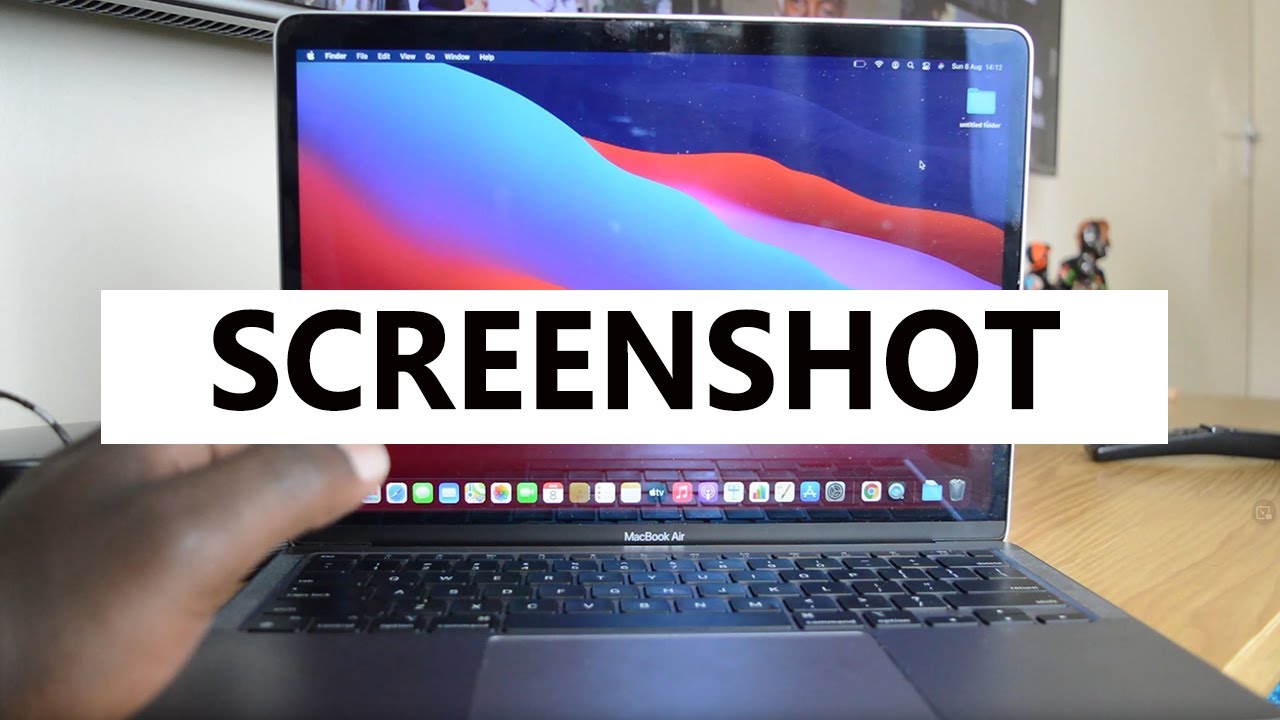
    How to Take a Screenshot on a Laptop and MacBook
    Share
    Facebook Twitter LinkedIn Pinterest Email

    In this article we will learn how to take a screenshot on a laptop and MacBook.

    How to Take a Screenshot on a Windows Laptop

    Take a Screenshot on laptop Using the Print Screen (PrtSc) Key

    1. Locate the Print Screen key:
      It is usually labeled as PrtSc, PrtScn or Print Screen. You can find it on the top row of your keyboard often near the Function keys (F1, F2, etc.).
    2. Take a screenshot of the whole screen:
      Press the PrtSc key once. This copies the whole screen to the clipboard (temporary storage).
    3. Paste the screenshot:
      Open an app like Paint or Microsoft Word.
      Press Ctrl + V to paste the screenshot.
      You can now save the image by clicking File > Save As and choose a name and location.

    Take a Screenshot on laptop Using Windows + Print Screen Keys

    1. Press the Windows key + PrtSc together.
    2. The screen will dim for a moment which means the screenshot was taken and saved automatically.
    3. Find your screenshot in the folder:
      This PC > Pictures > Screenshots

    Take a Screenshot on laptop Using Snipping Tools

    1. Open the tool and click New to take a new screenshot.
    2. You can select a specific part of the screen to capture.
    3. After capturing save your screenshot using the Save option.

    How to Take a Screenshot on a Mac Laptop (MacBook)

    Take a Screenshot on MacBook by Capturing the Entire Screen

    1. Press Command (⌘) + Shift + 3 together.
    2. You will hear a camera shutter sound.
    3. The screenshot is saved on your desktop automatically.

    Take a Screenshot on MacBook by Capture a Portion of the Screen

    1. Press Command (⌘) + Shift + 4 together.
    2. The cursor will turn into a crosshair.
    3. Click and drag to select the area you want to capture.
    4. Release the mouse button to take the screenshot.
    5. The image will be saved on the desktop.
    Read Also:  Specifications, Features, & Price of Samsung Galaxy F16 5G

    Take a Screenshot on MacBook by Capturing a Specific Window

    1. Press Command (⌘) + Shift + 4 then press the Spacebar.
    2. The cursor will turn into a camera icon.
    3. Click the window you want to capture.
    4. The screenshot will be saved on the desktop.

    Also read this: 

    How to Connect AirPods with a Laptop

    Share. Facebook Twitter Pinterest LinkedIn Tumblr Email
    Previous ArticleHow to Register a Company in Pakistan
    Next Article Sindh Government Declares Public Holiday on May 28
    Farhan Qureshi
    • Website

    Farhan Qureshi is a political analyst who writes about science policies and national funding programs. His work focuses on the intersection of governance, innovation, and public policy, highlighting how scientific advancement shapes national development.

    Related Posts

    KP AI Training Plan

    Khyber Pakhtunkhwa Launches Historic Artificial Intelligence Program for All Citizens

    July 31, 2026
    Retired Employees Pension

    Retired Employees Pension: Federal Government Approves 7% Increase for Civil Servants and Armed Forces Personnel

    July 31, 2026
    Sorange Mine Disaster

    The Sorange Mine Disaster: Why 34 Dead Miners in Balochistan is a Crisis of Accountability, Not an Accident

    July 31, 2026
    Leave A Reply Cancel Reply

    Latest Posts
    Sindh College Holiday

    Sindh Government Announces General Holiday for All Public and Private Colleges

    August 1, 20262
    Saudi Maritime Defense Coalition

    Pakistan and Saudi Arabia Take Strategic Step: Joins Newly Formed Maritime Alliance as Founding Member

    August 1, 20261
    Canada Visa Processing Time

    Canada Increases Study and Work Permit Wait Time for Pakistanis: Full Details

    August 1, 20262
    PKR Dollar Rate

    Pakistani Rupee vs US Dollar: PKR Closes at 277.80 on July 31, Here Is What It Means For Your Wallet

    August 1, 20260
    Don't Miss

    Top 10 Hi-Tea Restaurants In Lahore For A Perfect Outing

    By Usman LatifMarch 14, 2025

    Lahore is a well-known city known for its huge food culture, & hi-tea has become…

    Top 5 places to Visit in Kashmir

    Top 5 Places to Visit in Kashmir

    April 5, 2025
    India Planning Military Action Against Pakistan Within 36 Hours Tarar

    India Planning Military Action Against Pakistan Within 36 Hours: Tarar

    April 30, 2025
    Stay In Touch
    • Facebook
    • Twitter
    • Instagram

    Subscribe to Updates

    Get the latest creative news from SmartMag about art & design.

    Sindh College Holiday

    Sindh Government Announces General Holiday for All Public and Private Colleges

    August 1, 2026
    Saudi Maritime Defense Coalition

    Pakistan and Saudi Arabia Take Strategic Step: Joins Newly Formed Maritime Alliance as Founding Member

    August 1, 2026
    Canada Visa Processing Time

    Canada Increases Study and Work Permit Wait Time for Pakistanis: Full Details

    August 1, 2026
    PKR Dollar Rate

    Pakistani Rupee vs US Dollar: PKR Closes at 277.80 on July 31, Here Is What It Means For Your Wallet

    August 1, 2026
    Popular

    Top 10 Hi-Tea Restaurants In Lahore For A Perfect Outing

    March 14, 2025
    Top 5 places to Visit in Kashmir

    Top 5 Places to Visit in Kashmir

    April 5, 2025
    India Planning Military Action Against Pakistan Within 36 Hours Tarar

    India Planning Military Action Against Pakistan Within 36 Hours: Tarar

    April 30, 2025
    India Suspends Indus Waters Treaty and Closes Attari Border After Pahalgam Attack

    India Suspends Indus Waters Treaty and Closes Attari Border After Pahalgam Attack

    April 23, 2025
    Latest News
    Sindh College Holiday

    Sindh Government Announces General Holiday for All Public and Private Colleges

    August 1, 2026
    Saudi Maritime Defense Coalition

    Pakistan and Saudi Arabia Take Strategic Step: Joins Newly Formed Maritime Alliance as Founding Member

    August 1, 2026
    Canada Visa Processing Time

    Canada Increases Study and Work Permit Wait Time for Pakistanis: Full Details

    August 1, 2026
    PKR Dollar Rate

    Pakistani Rupee vs US Dollar: PKR Closes at 277.80 on July 31, Here Is What It Means For Your Wallet

    August 1, 2026
    About Us
    About Us

    Pakistan Truth is your go-to platform for authentic insights into current affairs, entertainment, sports, and more, with a strong focus on the Pakistan region.

    Unveiling the truth, shaping perspectives—Pakistan Truth.

    Email Us: [email protected]

    Facebook X (Twitter) Instagram TikTok RSS
    © 2026 PakistanTruth. All Rights Reserved.
    • About Us
    • Contact Us
    • Terms & Conditions
    • Privacy Policy

    Type above and press Enter to search. Press Esc to cancel.