



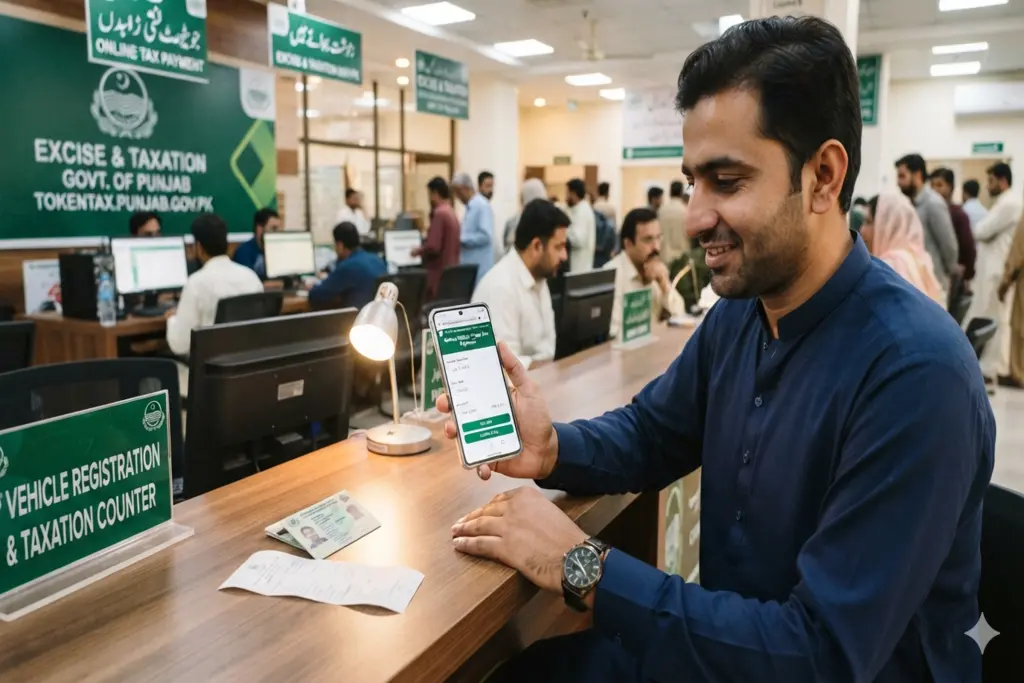
The Government of Punjab has completely modernised the system of verification and payment of vehicle tax through the Punjab Information Technology Board (PITB) and the Excise, Taxation & Narcotics Control Department. Now citizens are no longer required to stand in long queues or pay high commissions to the illegal agents. By using the centralized digital infrastructure, you can now verify your car or motorcycle tax status and settle dues within minutes using your smartphone or computer.
Below is the complete, secure, and step-by-step framework to process your Online Vehicle Token Tax seamlessly in Punjab:
Securely Checking Vehicle Status via MTMIS
Before initiating any financial transaction, it is crucial to verify your current tax liabilities and confirm your ownership history. The Punjab government provides a public utility for this purpose:
Visit the official Excise Punjab MTMIS Portal.
Input your vehicle’s registered alphanumeric number (e.g., LEW-15-1234) into the designated search fields.
Solve the security verification puzzle (Captcha) and click the search button.
The platform will display the owner’s legal name, chassis number, engine number, and the specific date up to which your previous token taxes were successfully updated.
Generating a PSID Using the e-Pay Punjab App
If the MTMIS query indicates that your token tax is overdue, you must generate a unique payment voucher. The safest way to do this is through the state’s official digital payment ecosystem:
Download the Core Application: Search for e-Pay Punjab on the official Google Play Store or Apple App Store. Ensure you are downloading the authentic app developed by PITB to prevent any identity theft.
Establish your Profile: Register an account by providing your active mobile phone number, full legal name, and your Computerized National Identity Card (CNIC) number.
Select the Department: Navigate the main user interface and select the “Excise & Taxation Department” option.
Select Token Tax: Choose “Token Tax” from the list and enter your registration number to retrieve your dynamic tax invoice.
Verify and Finalize: The software will display your precise engine capacity and the calculated tax balance due. For commercial categories, users can choose seasonal or annual cycles. Click “Generate Challan” to receive your 17-digit Payment Slip ID (PSID).
How to pay Token Tax via ePay Punjab
Settling the Dues via Secure Electronic Channels
Your generated PSID serves as a universal invoice code that can be settled safely through Pakistan’s regulated interbank networks:
Mobile & Internet Banking: Access your personal commercial banking app (HBL, UBL, Alfalah or Meezan). Click on “Bill Payments” or “Government Receipts,” select “e-Pay Punjab”, type in the 17 digit PSID code, and confirm the payment safely.
Digital Wallets: Balance can be settled right here on Easypaisa or JazzCash apps under the “Government Fees” menu.
Automated Teller Machines (ATM): If digital access is restricted, visit any nearest bank ATM across the country. Insert your card, choose the “GOP/Punjab Tax” selection under utility bills, and feed the PSID to finalize cash deductions.
Once the transaction is authorized, you will receive an automatic confirmation text message from the government. The official MTMIS records will update your vehicle’s tax clearance ledger almost instantly. Clearing these dues on time keeps you protected from roadside excise inspections and severe compounding penalties.