




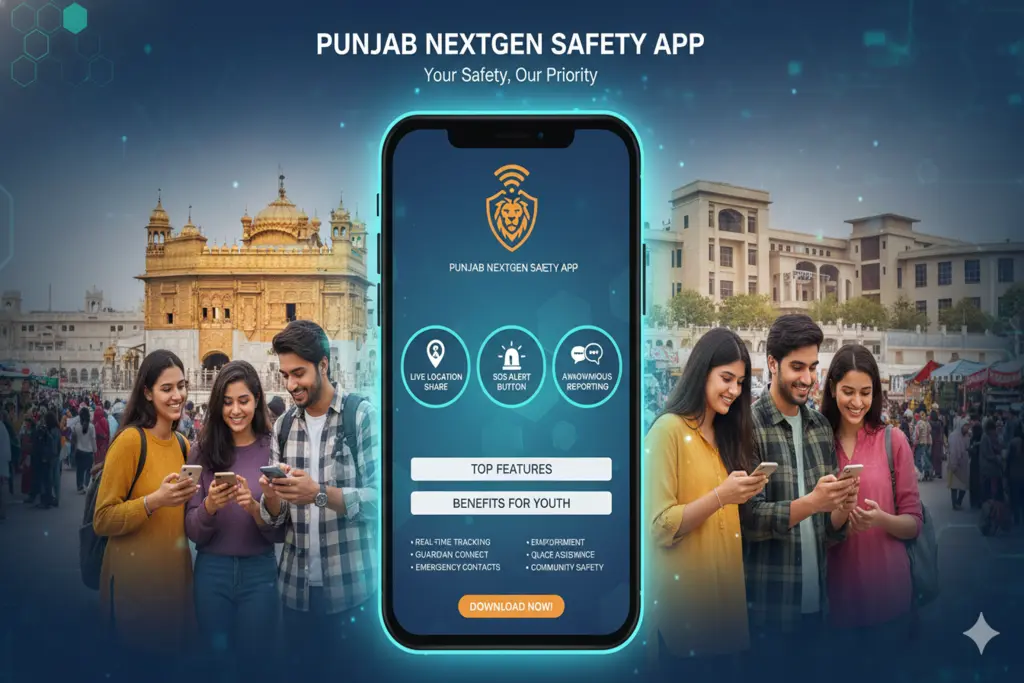
The Punjab Government, with the help of Punjab Safe Cities Authority (PSCA), has rolled out a revolutionary mobile app specially designed for the youth in the frame of the digital governance and smart policing vision of Chief Minister Maryam Nawaz Sharif. The PSCA – NextGen Safety App is a specific, all-in-one safety and support app to help keep university students, young professionals and the Gen Z citizens of the province safe.
This intelligent application is a full protection barrier for kids, when they are under various social, environmental, digital and psychological pressures. Regardless of the physical security, cyberbullying or academic stress, here is the detailed analysis on how the young populace of Punjab can make full use of this application.
Key Features of the Punjab NextGen Safety App
The Punjab Safe Cities Authority has gone beyond the conventional idea of an emergency response button and created a space that is full of features especially designed for tech-savvy youth.
The Call-15 Panic Button: When in a critical situation, such as a road accident, street crime or active harassment, the tap on the Panic Button is sufficient to activate an audio stream to the PSCA command center. At the same time, the exact GPS coordinates of the user will be transmitted to the closest police response vehicle.
Live Video Calling Support: This feature goes beyond traditional telephone call systems, enabling users to start live video calls with operators. This can be very useful when sharing real-time visual evidence of a situation or helping people that are hearing impaired or speech impaired.
Anonymous Chat Channel: This feature allows for anonymous chatting to provide a way for youth to come forward when they are reluctant to do so because of social taboos. Kids can report on illegal activities or blackmailing conducted by someone without revealing their name or identity, or they can report digital harassment.
Professional Psychological Counseling: The app makes it easy to reach out to qualified psychologists via a confidential, direct connection, with safety being mental as well as physical. Children and youth who may be experiencing depression, anxiety or trauma can access counselling services for free.
Free Legal Consultation: Many college students are unaware of their digital and civil rights. The app fills this knowledge gap by creating a legal channel for users to seek guidance from legal advisors in real-time.
Family Safety Circle & Pink Button: A special “Pink Button” is provided to ensure the safety of women and young female students. In addition, users can configure a “Family Circle” where they can share their travel routes in real time with parents or friends when traveling during the night.
How the Youth Can Benefit From Punjab NextGen Safety App
The app is like a personal security guard and life coach in your pocket. The youth can use this online environment for a number of things:
Secure Commutes for Students: University, library, or coaching center students who need to travel to an evening shift can do so without worry. They activate the family tracking loops, and their family members are kept up to date on their safety.
If a youth experiences on-line harassment or bullying, whether it is cyberstalking, non-consensual disclosure or sharing of images, or on-line blackmail, it is reported anonymously to the on-line crime divisions, where swift action is taken.
No-Cost Mental Healthcare: Sometimes students will not be able to afford a private psychiatric consultation. This is a free mental wellness counselling service where students can get support without a cost that can help them cope with their academic stress and anxiety.
Instant Access to Civic Support Centers: Users can directly access the different support system units, including the Tahaffuz Markaz (Protection Centers).
Step-by-Step Punjab NextGen Safety App Installation and Onboarding Process
It is a free application and can be downloaded from Google Play Store (Android) and Apple App Store (iOS).
Go to your app store, type “PSCA – NextGen Safety App”, and install it.
Open the App and register with your mobile phone number and Computerized National Identity Card (CNIC).
Allow necessary system permissions for GPS Location and Camera; these are important for sending out prompt assistance during a crisis. Make sure to add your emergency contact directory to complete setup.




1 Comment
Pingback: Pakistan Plague Transmission Risk Assessment |Pakistan Truth