




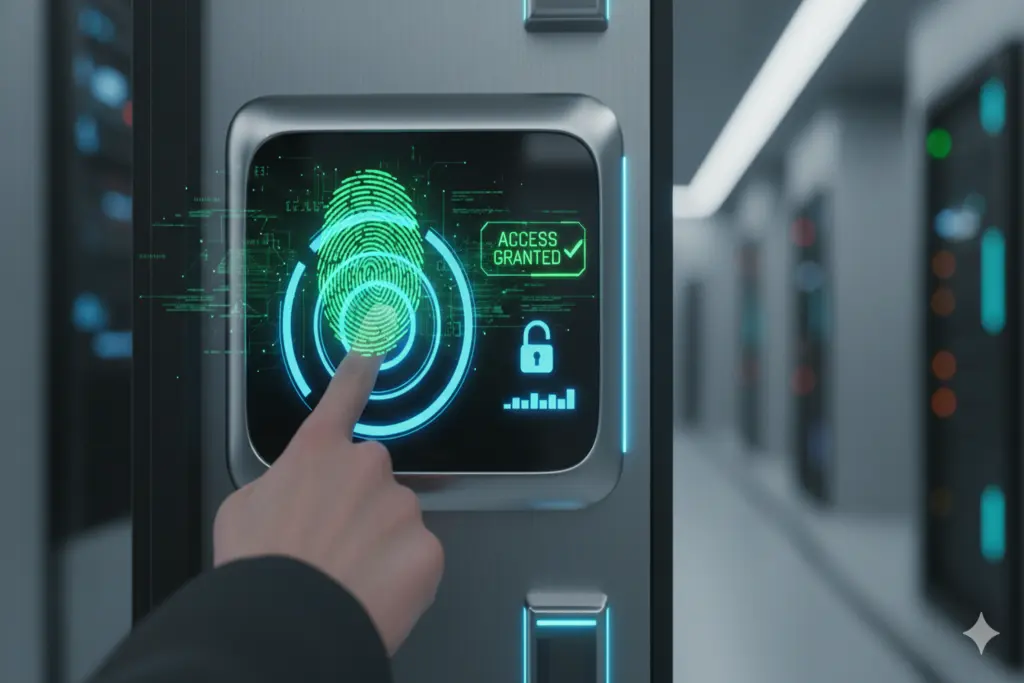
In a massive leap forward for digital data privacy and citizen security, the National Database and Registration Authority (NADRA) has introduced a groundbreaking security upgrade. Pakistanis can now fully control access to their sensitive biometric information directly through the official Pak ID Mobile Application.
The newly integrated feature, titled “Block Biometric Data Access,” gives citizens the absolute authority to deny any third-party institution, bank, or cellular service provider from verifying their fingerprints or facial profile without explicit, real-time consent. This biometric data lock initiative aims to eliminate identity theft, the creation of fraudulent bank accounts, and illegal SIM card issuances.
How Does the Biometric Data Lock Feature Work?
Traditionally, whenever you visited a franchise or a bank, the agent could instantly verify your thumbprint by pulling verification tokens directly from NADRA’s centralized servers. This new updates completely changes that automated pipeline:
- Absolute Verification Blackout: Once you turn this privacy lock “ON” inside your account, any external institution trying to ping NADRA for your fingerprint or facial verification will be blocked. NADRA’s system will instantly return an automated “Access Denied” status code to their portal.
- Temporary Authorization Window: If you legitimately need to open a bank account or buy a mobile SIM, you simply open your Pak ID app, temporarily toggle the lock “OFF” to clear the verification, and switch it back “ON” immediately after the transaction is complete to secure your data.
Step-by-Step Guide: Activating the Feature via Pak ID App
NADRA has designed the interface to be highly intuitive and user-friendly. Follow these steps to secure your biometric footprints:
- Download and Log In: Install the official Pak ID mobile app from the Google Play Store or Apple App Store. Authenticate your identity by logging in with your registered Computerized National Identity Card (CNIC) number or email credentials.
- Access Profile Settings: On the home dashboard, tap the menu sidebar and navigate directly to the “Profile Settings” option.
- Select Biometric Block: Under the privacy and settings subgroup, tap on the “Block Biometric Data Access” option.
- Secondary Device Authentication: To confirm that the actual cardholder is triggering the change, your smartphone will prompt you for an extra biometric check (such as your phone’s built-in Fingerprint Scanner or Face ID).
- Successful Activation: Once verified, your status will instantly update to “Blocked.” Your identity profile is now locked down from unauthorized remote queries.
The Broader Strategic Benefits for Digital Pakistan
The inclusion of this mobile ledger toggle will fundamentally change cyber security practices across Pakistan. Key benefits include:
- Eliminating Banking Identity Fraud: Fraudsters frequently attempt to spoof identities or exploit exposed records to set up illegal bank accounts. This security block makes remote thumbprint cloning entirely useless.
- Ending Unregistered SIM Card Issuances: Rogue cellular franchise operators can no longer stealthily activate multiple mobile SIM connections under your name without triggering an error on their biometric devices.
- Compliance with Global Privacy Standards: This mirrors top-tier global data protection models (like the European Union’s GDPR), returning full sovereign ownership of identity metrics directly to the consumer.
READ: More Informative Content