




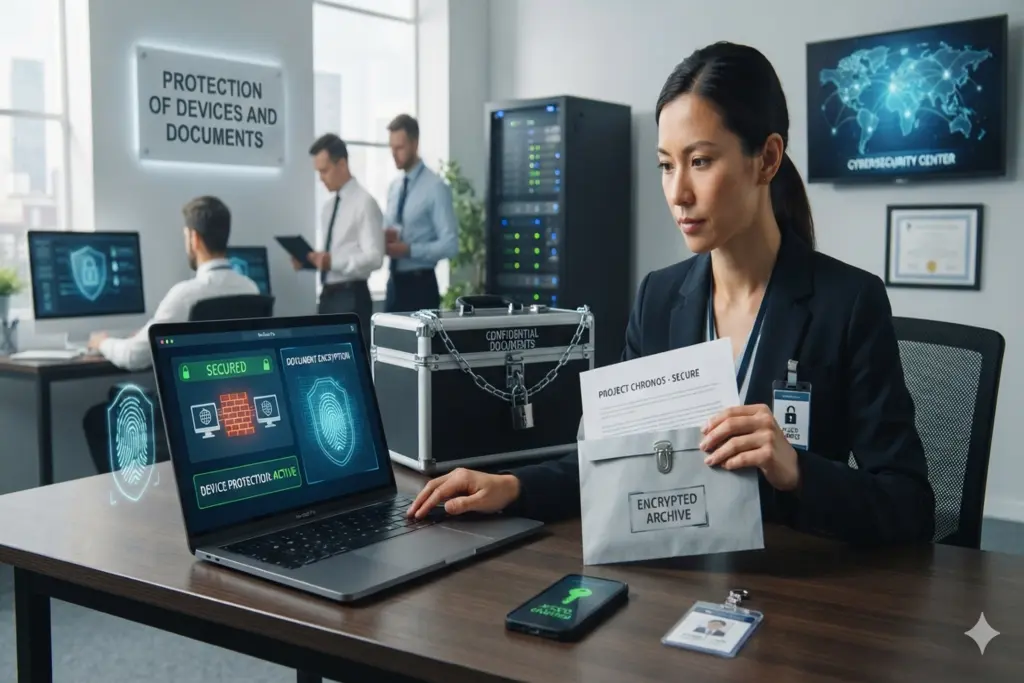
Smartphones, computers and cloud files have become a way of life in today’s highly connected electronic world, and they have become an integral part of our personal and professional lives. These technological advances provide the greatest amount of convenience, but also an increasing amount of cyber threats, identity theft, and severe data breaches. Therefore, the Pakistan Telecommunication Authority (PTA) has set up detailed safety guidelines and protocols with the National Computer Emergency Response Team (National CERT) to protect citizens from these digital threats. This comprehensive guide provides detailed strategies of the action required and official strategies to secure your Digital infrastructure and sensitive records.
Essential Strategies for the Protection of Devices and Documents
Proactive Digital Hygiene is the key to a strong defense against cybercriminals. The official PTA security frameworks state that by putting in place a few basic security layers, the risk of an unauthorised network intrusion can be greatly reduced. Everyone using the internet should immediately consider the following best practices to ensure the maximum protection of devices and documents:
1. Implement Strong Authentication and Multi-Factor Verification
Predictable passwords are the number one opening through which users’ accounts are compromised. PTA strongly recommends not to use the same password on different platforms. Your passwords should be long and strong, use a minimum of 10 characters which include numbers, lower case letters, upper case letters, and the use of special characters, such as @, #, $, %. Additionally, enabling Two-Factor Authentication (2FA) or Multi-Factor Authentication (MFA) for every email, social media and digital banking application is a requirement for 100% protection. When you add MFA, even if hackers may manage to get your primary password, it will be extremely difficult for them to break through your account.
2. Regular Software Patches and Licensed Antivirus Deployment
Vulnerability exploits in unpatched software are a common method for cybercriminals to deliver malicious payload/content and ransomware into targeted consumer electronics. Users need to update their operating systems (Windows, macOS, Android, iOS) and running applications to the most recent versions to counteract this. PTA recommends setting your devices to automatically update. Also, having a good, recognized, licensed anti-virus and anti-malware software is essential to identifying, blocking, and removing unauthorized malware before it can jeopardize your storage drives.
Mobile Theft and Lost Device Mitigation Protocols
A lost or stolen smartphone poses a dual risk: the physical loss of the hardware and the potential exposure of deeply confidential documents, personal photographs, and stored credentials. To mitigate this critical risk, PTA operates a structured asset tracking and locking ecosystem:
IMEI Identification: Every user must record and safely store their device’s unique 15-digit International Mobile Equipment Identity (IMEI) number. This identifier can be readily retrieved by dialing *#06# from any mobile handset.
Immediate PTA Blocking Requests: In the event of a theft, the incident must be reported immediately via PTA’s dedicated online Complaint Management System (CMS) or toll-free helpline. Prompt reporting allows PTA to block the IMEI across all national cellular networks, rendering the physical handset completely useless to unauthorized handlers.
Remote Data Wiping Configuration: Users must permanently enable native tracking services such as ‘Find My Device‘ on Android or ‘Find My‘ on iOS. If a device is permanently unrecoverable, these utilities allow users to execute a remote factory reset from any web browser, securely erasing all stored documents and local databases.
Safeguarding Cloud Infrastructure and Digital Documentation
With the rapid transition toward paperless workflows, sensitive documents like Computerized National Identity Cards (CNICs), financial statements, and academic credentials are continuously stored on cloud networks or shared via instant messaging apps. National CERT and PTA advise strict adherence to the following cloud defense protocols:
Restrict Unverified Document Sharing: Refrain from capturing and uploading raw images of high-value credentials onto unencrypted communication applications or unsecured public social media boards.
Risks of using public Wi-Fi: Open, unencrypted Wi-Fi connections at airports, hotels and coffee shops are prime targets for man-in-the-middle (MITM) attacks. Don’t log in to your corporate portal, personal banking applications or cloud storage folders using public wi-fi. If a “remote connection” is needed, please always use a trusted and excellent Virtual Private Network (VPN) which will secure all data that is transmitted when it is used.
Don’t click on any links you did not expect in a text message or email or respond to any strange attachment that has been attached to messages. The phishing attacks try to trick the users into providing credential information on bogus portals. Remember that no one from your bank, government, or telecommunications company will call or email you for your password, pin, or for such sensitive documents as forms or letters.
Protection of devices and documents is a civil and personal responsibility that is vital in today’s world. Following these official PTA tips can help to keep your personal information, identity and assets safe from the escalating worldwide problem of cybercrime.




1 Comment
Pingback: HEC Degree Attestation Fake Calls: Public Fraud Alert