


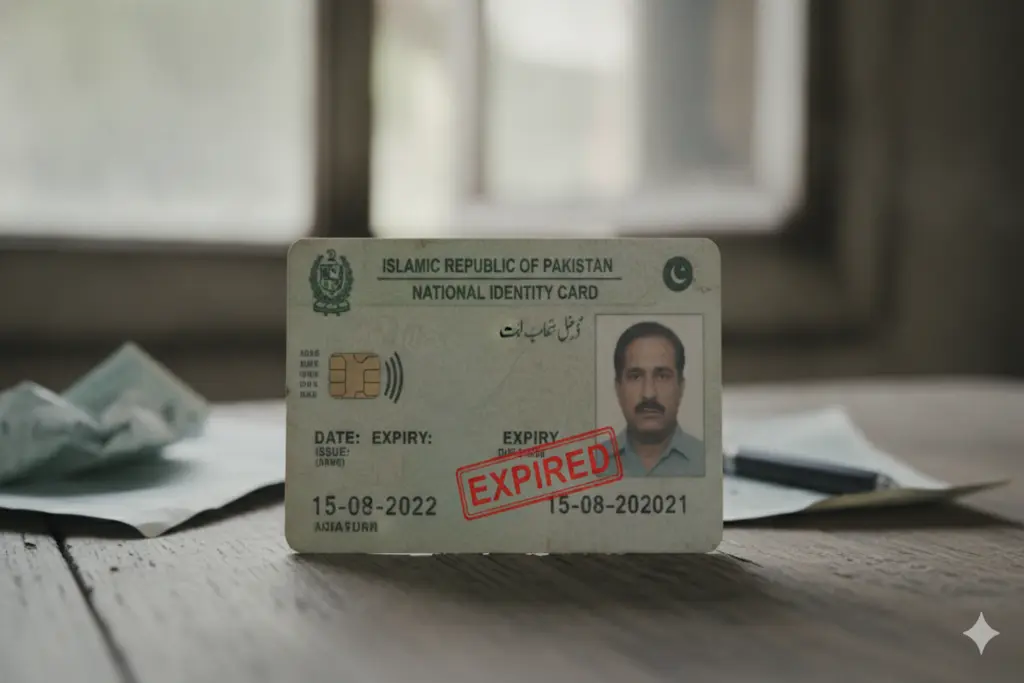
The Pakistan Telecommunication Authority (PTA) and National Database and Registration Authority (NADRA) have started an action campaign against the sale of illegal and unverified mobile SIM cards in the country. The new guidelines from the Ministry of Interior are that those mobile users losing their Computerized National Identity Card (CNICs) will be facing service suspension from the day of their loss.
Official estimates put the number of SIM cards that may be blocked at almost 4.9 million during the security drive. When an identity card expires, you need to get a hold of it quickly before you’re totally cut off from the network.
The PTA SIM Blocking Schedule and Strategy
To minimize disruption while ensuring national security, the PTA is executing this block in a phased manner:
- Phase 1: Immediate termination of SIMs registered on fake, altered, or canceled CNICs.
- Phase 2: Disconnection of mobile connections registered against identity cards that expired before 2017.
- Phase 3: Phase-wise suspension of SIMs tied to recently expired CNICs and deceased individuals.
If your mobile network has already been cut off, you can restore your services by following the steps outlined below.
3 Things You Need to Do Immediately
To resolve an expired CNIC SIM blockage and restore your cellular services, follow this step-by-step recovery process:
1. Renew Your CNIC via NADRA
The most important thing to do is to renew your expired ID card. This renewal process can be started in two basic ways:
Go to your local NADRA Registration Centre (NRC) to register and apply in person.
Register online from home from the NADRA Pak-Identity Portal or Pak-Identity official mobile application.
2. Complete Biometric Verification
After getting the renewed CNIC (or appropriate temporary renewal token from NADRA), go to your mobile network operator. Visit the nearest official network franchise/customer care center/authorized biometric shops of your network (Jazz/ Zong/ Telenor/ Ufone). Ask for a new biometric verification with new identity documents.
3. Update Your Mobile Operator’s Records
The biometric verification process links your new CNIC expiry date to your cellular account. Ensure that the representative confirms your updated data is successfully transmitted to the telecom systems. Your network service will typically be restored within a few hours of this system sync.
Transferring SIMs Registered Under Deceased Persons
The PTA directive also targets SIM cards registered under the names of deceased individuals. If you are using a mobile number registered to a late relative, you must transfer ownership to avoid blockage. Visit a customer service center with the following documents:
- The original Death Certificate of the deceased person.
- A Family Registration Certificate (FRC) issued by NADRA to prove your relationship.
- The original CNIC of the legal heir transferring the SIM to their name.
The purpose of this initiative is to stop the use of financial fraud, ID theft and illegal communication networks in Pakistan with the vision of the NADRA and PTA. Regularly update mobile data to keep your mobile services running without interruptions and check the CNIC’s expiration date. If you act quickly, you won’t have to deal with the trouble of continuing to pay the long-term service fee and legal penalties for non-compliance.