


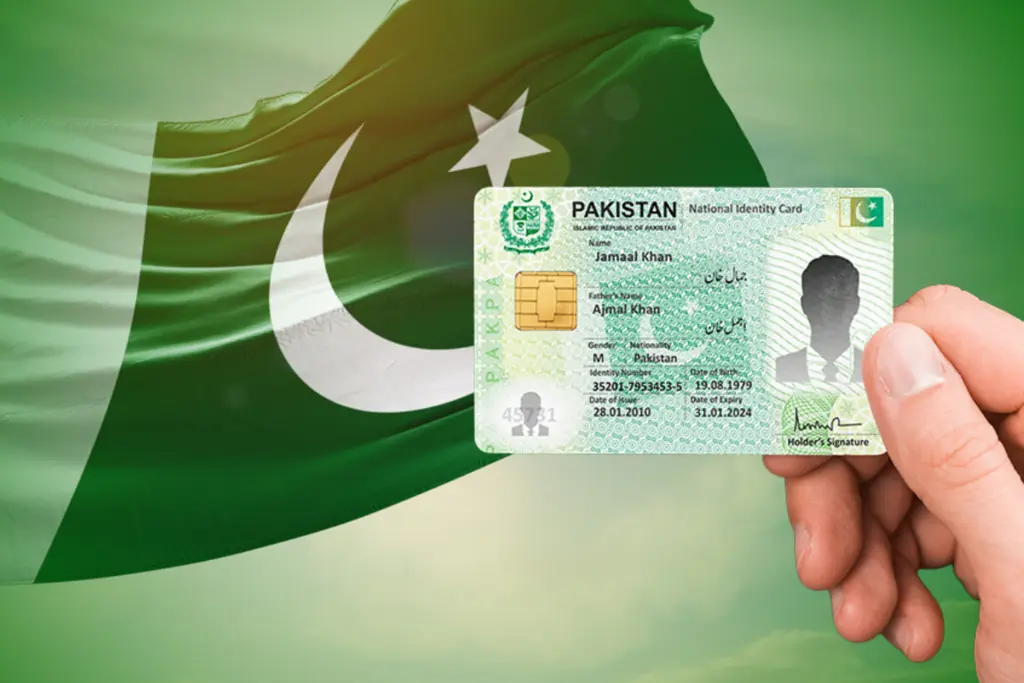
The National Database and Registration Authority (NADRA) has explained the official protocol for citizens who have recently got married to update their marital status with NADRA. The update may be done by digital means via Pak ID app or manually at Pak ID Registration Centers.
Secure a Computerized Marriage Certificate First
Before initiating the change applicants must officially register their marriage with the local government body. This includes Union Council, Cantonment Board or Municipal Committee as per the location of the event. The local office connects the information to the Civil Registration Management System (CRMS) nationwide which generates a computerised marriage certificate. All citizens should always be prepared to submit their file which includes this special CRMS certificate number.
NADRA offers two convenient registration methods to sync the provincial civil database with the central identity pool:
The Pak ID App: Citizens can download the official application, sign in and select the CNIC modification services. Features of the platform include the ability to complete tracking fields, upload scanned identity documents and online tracking applications and fee schedules.
NADRA Centers: For applicants who wish to do their application on-site go to the processing desk at the closest NADRA Center. Staff members verify the identity paperwork, take biometric data and match the profiles with the municipal archives.
Is your NADRA profile updated yet?
Find the complete process to transition your civil profile seamlessly.
Can you register records entirely online?
Dive into the features available within the Pak ID interface.
Where do you get your CRMS?
Uncover the exact steps required at your local Union Council.
Do mistakes halt your identity updates?
Look into how administrative discrepancies impact your application status.
Should you visit a physical center?
Experience the walk-in documentation verification steps at nearby desks.